Websites
How to Build a Website That Turns Visitors Into Customers
Help visitors understand your business, trust your work, and take the next step with a clear, easy-to-use website.
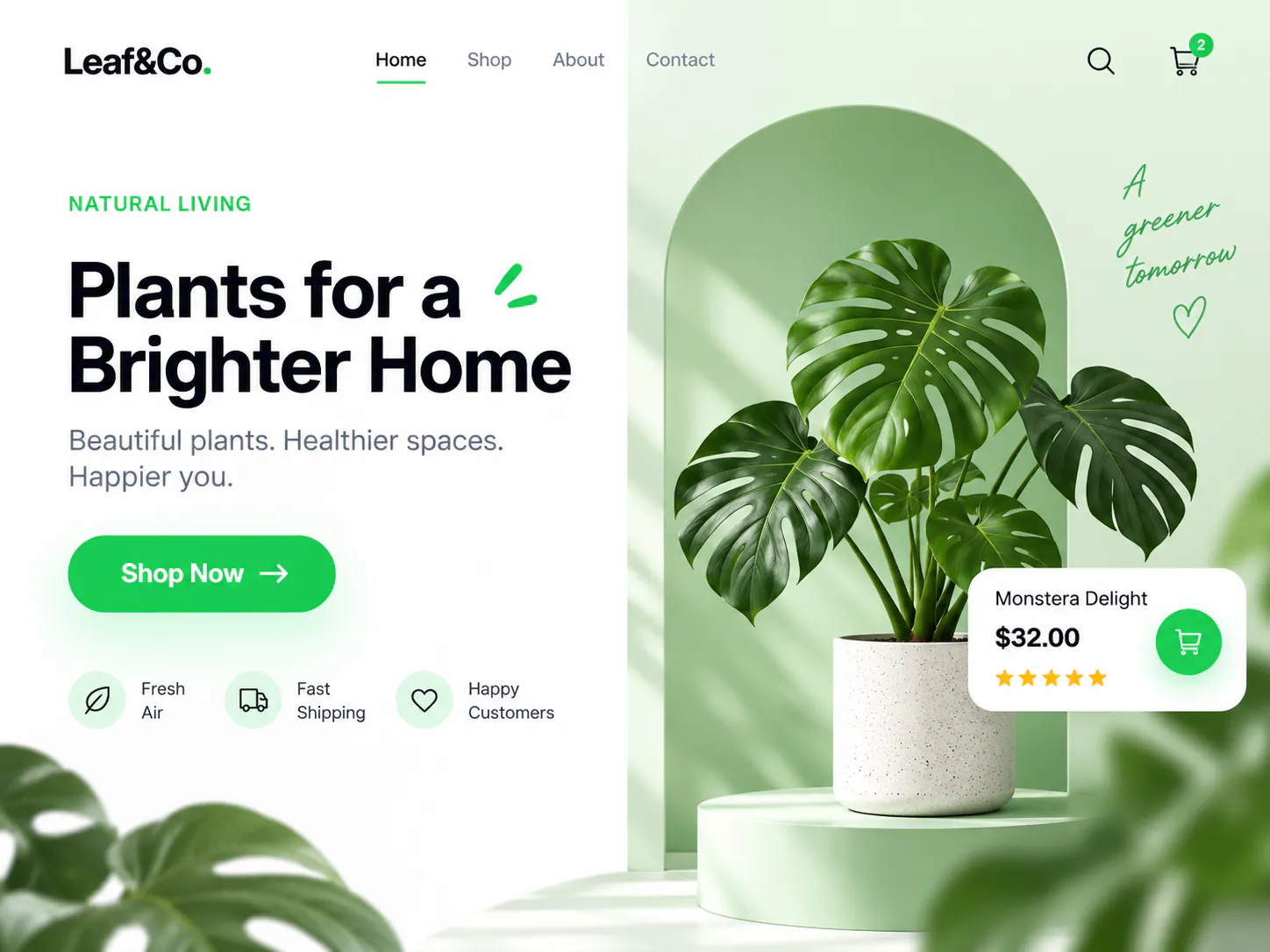
Getting someone to visit your website is only the beginning. Once they arrive, can they understand what you offer? Can they find the information they need? Is it obvious how to get in touch?
A good business website answers those questions without making people work for it. Here’s where to start.
Make Your Offer Clear
Your homepage should quickly explain what you do and who you help.
“Solutions for a better tomorrow” might sound impressive, but it doesn’t tell a visitor much. “Custom websites for small businesses in Ontario” gives them something concrete.
Start with a clear headline, a short explanation, and an obvious next step. Depending on your business, that could be “Request a Quote,” “Book an Appointment,” or “Browse Our Products.”
You can still be creative. Just make sure the design supports the message.
Give Each Page a Purpose
Someone reading about your services has different questions from someone ready to contact you.
A service page should explain what’s included, who it’s suitable for, and how the process works. A project page should show your work and explain what you delivered. A contact page should make starting a conversation straightforward.
Before adding a section, ask: does this help the visitor make a decision? If it repeats something they already know, you may not need it.
Show People Why They Can Trust You
Words like “professional” and “reliable” are easy to put on a website. Give visitors something that supports those claims.
Show actual projects, explain your role, and include genuine customer feedback when you have permission. A short introduction to the person or team behind the business can also make the experience feel more personal.
If you’re showing a concept rather than completed client work, label it clearly. A few honest, well-explained examples are more useful than a page full of vague promises.
Make the Mobile Experience Easy
Open your website on your phone and try to complete the same task a customer would.
Can you read the text comfortably? Do the buttons work without zooming in? Does the enquiry form ask only for information you need?
Pay attention to loading, too. Large images, autoplay videos, and unnecessary scripts can make a simple page feel slow. Resize and compress images, and keep extra features only when they serve a purpose.
Test the whole journey—from opening the page to submitting the form—not just how the homepage looks.
Make the Next Step Feel Straightforward
“Contact Us” is familiar, but a more specific button can help visitors understand what happens next.
For an app development service, “Discuss Your App Idea” gives the conversation a clear starting point. A short sentence underneath can explain what you’ll cover: their goals, the features they need, and possible next steps.
Keep the first enquiry simple. You can ask detailed questions once the conversation begins.
Keep Improving After Launch
Launching your website gives you a starting point. After that, look for places where visitors get stuck.
If people visit a service page but rarely enquire, review the offer, supporting examples, and contact process. Check that forms work and that visitors receive a clear confirmation after submitting them.
Make changes based on what you observe, rather than redesigning everything at once.
Your website should help people understand your business and feel comfortable taking the next step. Clear information, credible examples, and a straightforward experience give it a stronger foundation.